
Skip to content
Queux

Platform features

One connected workspace for the work behind every meal.

Queux brings planning, quantities, service, records, training and improvement into a clear operational flow — while keeping important review decisions with authorised people.

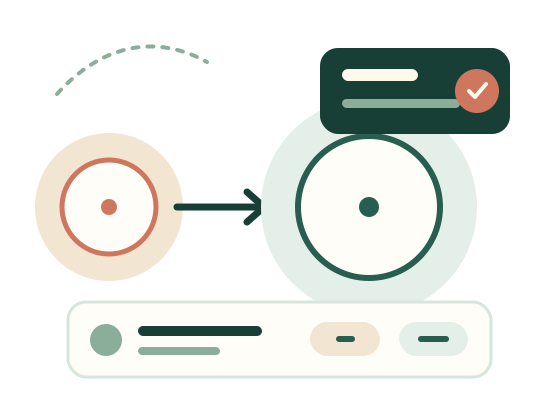
Illustrated Queux daily kitchen task board

The complete kitchen day

Practical tools, connected by context.

Each part of Queux carries useful context into the next, reducing repeated entry while preserving the source and review trail.
Today’s Kitchen

See counts, preparation, service, records, cleaning and handover in a prioritised daily view.

Recipe scaling

Scale reviewed recipes to the confirmed service count with visible units, preparation and rounding.

Menus

Build cycles, assign approved recipes and record menu changes without erasing the original plan.

Shopping and budget

Consolidate required ingredients, account for stock on hand and maintain site-specific price records.

Meal and dietary counts

Work from aggregate room, meal, dietary and texture counts, with clear source and override information.

Daily records

Use site-configured forms linked to the service’s own Food Safety Plan or Program.

Corrective actions

Create accountable actions from configured triggers or manual reports, then assign, review and close them.

Handbook and SOPs

Version policies, procedures and site clauses through draft, review, approval and publication.

Staff and FSS records

Track internal learning, acknowledgements and external qualifications without confusing their status.

Feedback and waste

Record what worked by service group and surface useful site history the next time a recipe appears.

Reports and exports

Filter operational history and prepare readable CSV, PDF and print outputs for authorised users.

Flexible data entry

Use manual entry and CSV with a connector architecture ready for authorised provider access.
Recipe quantities scaling for a larger service

Built for the bench

The detail stays available without crowding the next action.

Large touch targets, clear states and responsive layouts make the daily view useful on kitchen tablets, laptops and phones.

  • Preparation remains attached to the ingredient it belongs to
  • Alternatives and substitutions stay reviewable
  • Long forms can save drafts before final submission
  • A server confirmation distinguishes saved records from local drafts

Records with integrity

Final means final — corrections stay visible.

Queux treats published content and finalised food-safety records as important history.

Immutable submissions

Finalised values are preserved instead of silently edited.

Reasoned amendments

A correction records the actor, time, reason and revised value.

Review steps

Manager and Food Safety Supervisor review can follow the site’s workflow.

Readable evidence

Authorised exports retain useful context for internal review and audit preparation.

Ready to grow

Childcare first, with a core that understands sites and meal services.

Childcare-facing screens can say centres, rooms and children. Underneath, Queux uses organisation, site, service-group and meal-service concepts that can support future sector packs.
Why Queux for childcare
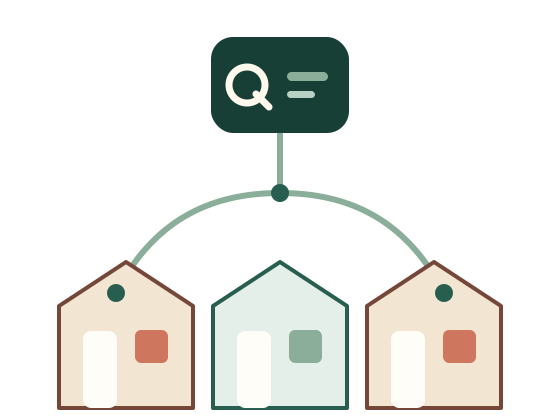
Several sites connected to one organisation view

See your own workflow

Start with one complete site.